

There is nothing quite like settling in for a cinematic evening at home. You have your snacks ready, the lighting is perfect, and you have finally picked out one of the top movies to watch on Netflix or another major platform. You hit play, sink back into your couch, and get ready to be immersed in gorgeous, ultra-high-definition 4K resolution.
Then, it happens. The screen freezes. A loading wheel spins mockingly in the center of your television.
Buffering is the ultimate mood killer for movie nights. While 4K streaming delivers breathtaking clarity, four times the resolution of standard 1080p HD means your internet and streaming setup have to work four times as hard. If even one link in your streaming chain is weak, your cinematic masterpiece turns into a frustrating slideshow.
Fortunately, you do not have to accept stuttering video as a norm. Whether you are relying on mainstream platforms, exploring indie catalogs, or shifting toward a robust iptv service, this guide will walk you through the ultimate technical adjustments and strategies to watch movies in 4K completely buffering-free.

1. Demystifying the 4K Bandwidth Bottleneck
To solve buffering, you first need to understand why it happens. When you stream a movie, your player downloads data chunks continuously. Buffering occurs when your device plays the video faster than your network can download the next chunk.
For standard high-definition streaming, a modest internet speed will suffice. However, 4K video requires massive data delivery. Mainstream movie streaming services like Netflix, Disney+, and Amazon Prime Video generally recommend a minimum, consistent download speed of 25 Mbps solely dedicated to that single stream.
If you are using an iptv service to access live feeds, international cinema, or specialized video-on-demand networks, that requirement can jump even higher. Premium iptv providers often broadcast raw or lightly compressed feeds to maintain peak picture quality, requiring a flawless, uninterrupted pipeline of data.
Action Step: Run a True Network Test
Do not rely on the speed package promised on your monthly internet bill. Open a browser on your actual streaming device and run a speed test. Look specifically for your download speed and your ping or jitter. High jitter means your speed is fluctuating wildly, which is a primary trigger for 4K video stuttering.
2. Hardwire Your Connection (Ditch the Wi-Fi)
We live in a wireless world, but Wi-Fi is inherently prone to interference. Walls, floors, household appliances, and even your neighbor's router can interrupt the invisible data streams traveling to your TV. While a split-second Wi-Fi drop won't ruin your social media scrolling, it will instantly halt a massive 4K movie file.
If you want an unshakeable connection, connect your streaming device directly to your router using a physical Ethernet cable.
An Ethernet connection provides a dedicated, shielded highway for your data. If your streaming stick (like a Fire TV Stick or Roku) does not have an Ethernet port, you can purchase a cheap USB-to-Ethernet adapter. This single hardware tweak fixes roughly 80% of all household streaming issues instantly.
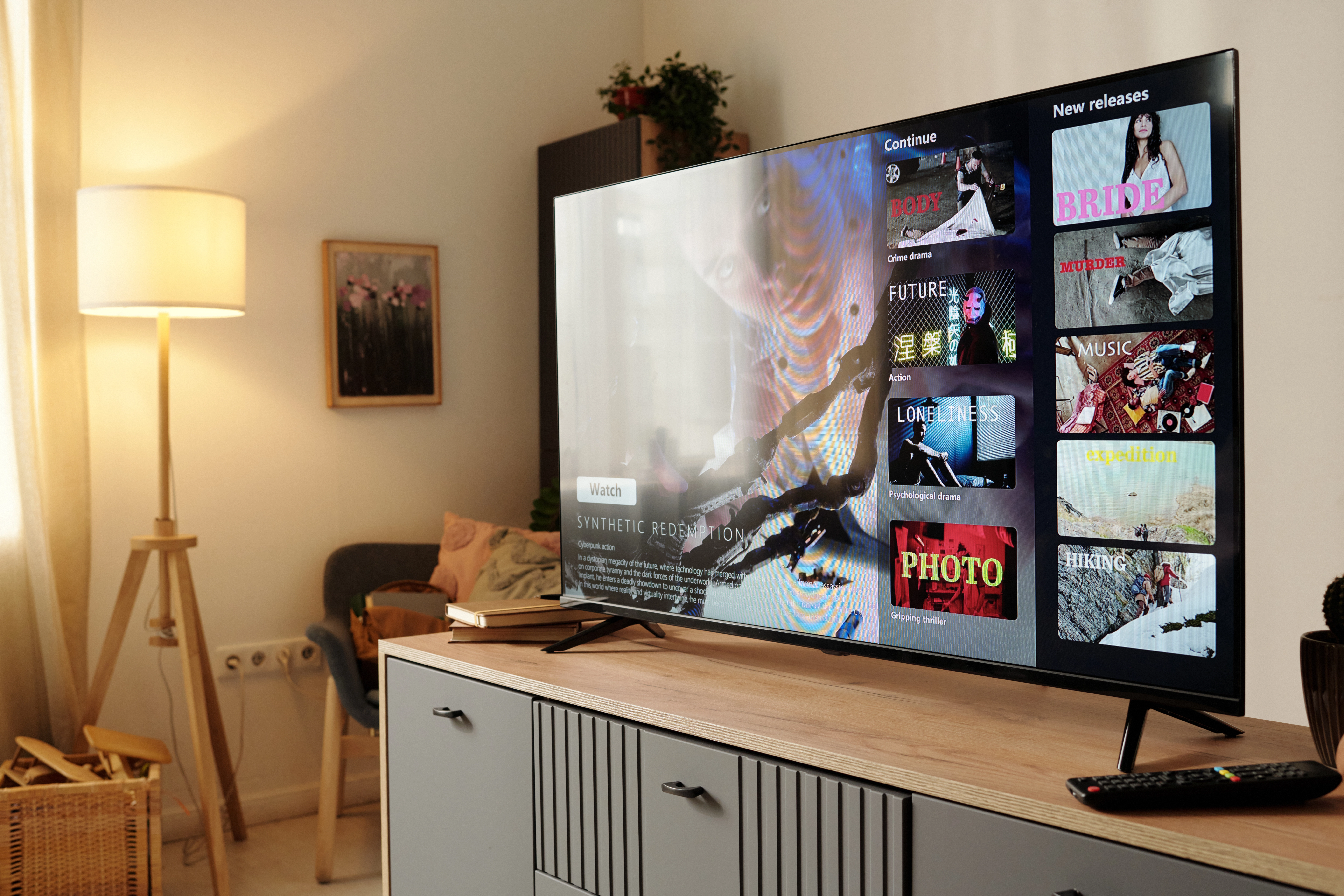
3. The Secret Sauce of Smooth Streaming: Hardware Upgrades
Sometimes, the bottleneck isn't your internet connection at all; it is the physical hardware trying to process the stream.
When searching for good movies to watch, we often focus entirely on the content rather than the technology delivering it. Behind the scenes of any great streaming platform or high-end iptv service, video files must be compressed at the source and decompressed on your screen. This is where an iptv encoder comes into play.
An iptv encoder is a powerful piece of hardware used by broadcasters and servers to convert raw, heavy video files into digital IP packets that travel across the internet. Modern, premium setups use advanced encoding technologies like H.265 (HEVC). This type of encoder shrinks 4K video file sizes by up to 50% without losing a single pixel of visual quality.
To take full advantage of these compression formats, pairing your television with an advanced external streaming media player running Marinios Iptv can dramatically improve your hardware decoding performance, resulting in smoother frame rates and richer color depth.
If your streaming provider or the platform you use relies on outdated encoding hardware, your device has to download massive, unoptimized files, leading straight to a buffering loop. Conversely, if you are using an older Smart TV, its internal processor might lack the power to decode modern H.265 4K data smoothly.
If your budget allows, bypass your Smart TV's built-in apps and use a high-performance external streaming device (like an Apple TV 4K or Nvidia Shield Pro). These devices possess dedicated graphics chips built specifically to decode advanced compressed streams effortlessly.
4. Audit Your IPTV Provider and App Settings
Many cord-cutters are shifting away from traditional media and turning to customized streaming applications. If you are exploring alternative setups, choosing the right iptv providers makes all the difference.
A cut-rate provider will host their media on overcrowded, underpowered servers. During peak viewing hours, like Friday nights when everyone is hunting for good movies to watch, those servers become overwhelmed, forcing everyone's stream to buffer regardless of how fast your home internet is.
If you are confident in your internet speeds but still face lag, try these native app tweaks within your streaming player:
Increase the Buffer Size
Navigate to your streaming app's advanced settings and locate the Buffer Time or Cache Size. Increasing this from Normal to Large forces the app to download a larger chunk of the movie in advance. It might take an extra three seconds for your movie to start, but it creates a protective buffer zone against sudden network dips.
Toggle Hardware Decoding
Switch your player's video decoder settings between Hardware (HW) and Software (SW). Most modern devices perform best on HW decoding, as it uses the device's actual graphics processor to unpack the video.
5. Clear Out the Digital Junk
Just like a computer or smartphone, your streaming device builds up temporary junk files over time. Every time you browse through endless lists of movies to watch on Netflix, your device caches thumbnail images, user data, and background scripts.
When your device's internal storage gets cramped, it loses the breathing room required to download and process heavy 4K video packets.
Make it a habit to perform a quick weekly cleanup:
- Go to your device's Settings menu.
- Select Applications or Manage Installed Apps.
- Click into your primary streaming tools and select Clear Cache (be sure to click clear cache, not clear data, so you don't accidentally wipe out your login details).
- Delete any old, unused apps to ensure at least 20% of your device's storage remains completely free.
6. Combat ISP Throttling with a VPN
Did you know that your Internet Service Provider (ISP) might be slowing you down on purpose?
Many modern ISPs use automated tracking software to monitor network congestion. When they detect a household pulling massive, continuous pools of data from high-bandwidth movie streaming services or private servers, they will intentionally throttle (slow down) that specific connection to preserve bandwidth for the rest of your neighborhood.
If your web browsing works flawlessly but your 4K movie suddenly starts stuttering the moment things get visually intense, you are likely a victim of ISP throttling.
"The solution is a high-quality Virtual Private Network (VPN). A VPN encrypts your entire internet connection, wrapping your streaming data in an unreadable digital tunnel. Because your ISP cannot see what you are downloading or where it is coming from, their automated throttling triggers never activate, giving you unhindered access to the full speeds you pay for."
The solution is a high-quality Virtual Private Network (VPN). A VPN encrypts your entire internet connection, wrapping your streaming data in an unreadable digital tunnel. Because your ISP cannot see what you are downloading or where it is coming from, their automated throttling triggers never activate, giving you unhindered access to the full speeds you pay for.
Final Thoughts: Designing the Perfect Movie Night
Achieving a flawless, theater-quality 4K experience at home is a process of elimination. By ensuring your home network has the capacity, hardwiring your streaming device, clearing out your app caches, and choosing top-tier platforms powered by modern iptv encoder architecture, you effectively eliminate the friction points that cause video lag.
Stop settling for low-resolution streams or constant interruptions. Take control of your hardware and network setup today, find the perfect film, and enjoy cinema exactly the way the directors intended: in glorious, unbroken, crystal-clear 4K.
Written by Marcus Reynolds | Senior Tech & Streaming Analyst
Sources: Netflix, Amazon Prime Video, Disney+, IMAX Corporation, Cineby Research
Cineby — Cinema, series, music, and everything in between

